
Step by Step Storage Labeling for Artists and Crafters
More than 60 percent of american artists find it challenging to keep track of their art supplies and tools. Whether you craft for fun or manage a busy studio, disorganization can slow down your creative flow and make it hard to find what you need. This guide lays out a proven step by step method using QR code labels so you can create a smarter, more efficient system for managing your creative materials.
Table of Contents
- Step 1: Gather Your Storage Items And QR Labels
- Step 2: Create Digital Data For Each Stored Item
- Step 3: Apply QR Code Labels To Storage Containers
- Step 4: Link QR Codes To Item Information Online
- Step 5: Test And Verify QR Label Functionality
Quick Summary
| Key Point | Explanation |
|---|---|
| 1. Gather and Label Materials | Collect all art supplies and use QR labels for systematic tracking and organization before starting your inventory. |
| 2. Create Detailed Digital Records | Document each item with photographs, descriptions, and specifics such as size and color to ensure comprehensive inventory management. |
| 3. Apply QR Codes Consistently | Position QR codes on storage containers for easy visibility, using uniform placement for an organized system that enhances tracking. |
| 4. Link QR Codes to Information | Connect each QR code to the corresponding digital record to allow instant access to details of the stored items. |
| 5. Test QR Code Functionality | Regularly scan QR codes to ensure they link accurately to the correct information, verifying consistency across devices and conditions. |
Step 1: Gather Your Storage Items and QR Labels
Organizing art and craft supplies starts with strategic preparation. In this first step, you’ll collect all the items you want to track and label using smart QR code organization techniques.
Begin by surveying your creative workspace and gathering materials that need systematic tracking. Artists and crafters typically have diverse collections ranging from small tools to larger canvases and equipment. The Northern States Conservation Center recommends using steel shelving or drawers with protective coatings to safeguard your items during the labeling process. Look for containers that can accommodate your specific storage needs while providing protection.
Carefully select your QR labels based on the surfaces and materials you will be marking. Some labels work better on certain textures or materials, so take a moment to match your labels with appropriate storage containers. Pro tip: Group similar items together before labeling to create a more intuitive organizational system. This approach will save you significant time when you need to locate specific supplies in the future.
Ready to transform your creative space with intelligent storage? The next step involves preparing your items for precise QR code tracking.
Step 2: Create Digital Data for Each Stored Item
Now that you have gathered your items and supplies, it is time to transform your physical collection into a digital tracking system. Digital inventory management provides artists and crafters with an efficient method of organizing and preserving their creative resources.
Start by capturing detailed information about each item you plan to store. The Joan Mitchell Foundation emphasizes creating comprehensive digital inventories that include specific descriptions, photographs, and relevant metadata. Take high-quality images of each object from multiple angles, ensuring clear documentation of its condition, size, and unique characteristics. This visual record will serve as both a tracking mechanism and a preservation strategy for your creative materials.
For complex studio inventories, consider integrating systematic tracking methods. Ceramic Arts Network recommends implementing inventory management techniques that help streamline organization and tracking. As you document each item, think about the most relevant details to include color, dimensions, acquisition date, and any special notes about its significance or condition. Pro tip: Consistency is key when creating your digital archive make sure you approach each item with the same level of detailed documentation.
With your digital data captured, you are now prepared to link this information to your physical items using QR code labels in the next step of your organizational journey.
Step 3: Apply QR Code Labels to Storage Containers
With your digital inventory prepared, it is time to physically connect your documentation to your creative materials through strategic QR code placement. Efficient QR code labeling transforms your storage system into a smart tracking network.
Ceramic Arts Network highlights the power of unique identifiers in streamlining inventory management. Begin by selecting clean dry surfaces on your storage containers where labels will adhere securely. Choose locations that are easily visible but not prone to frequent wear or direct handling. Ensure the surface is smooth free from dust or oils that might compromise label adhesion.
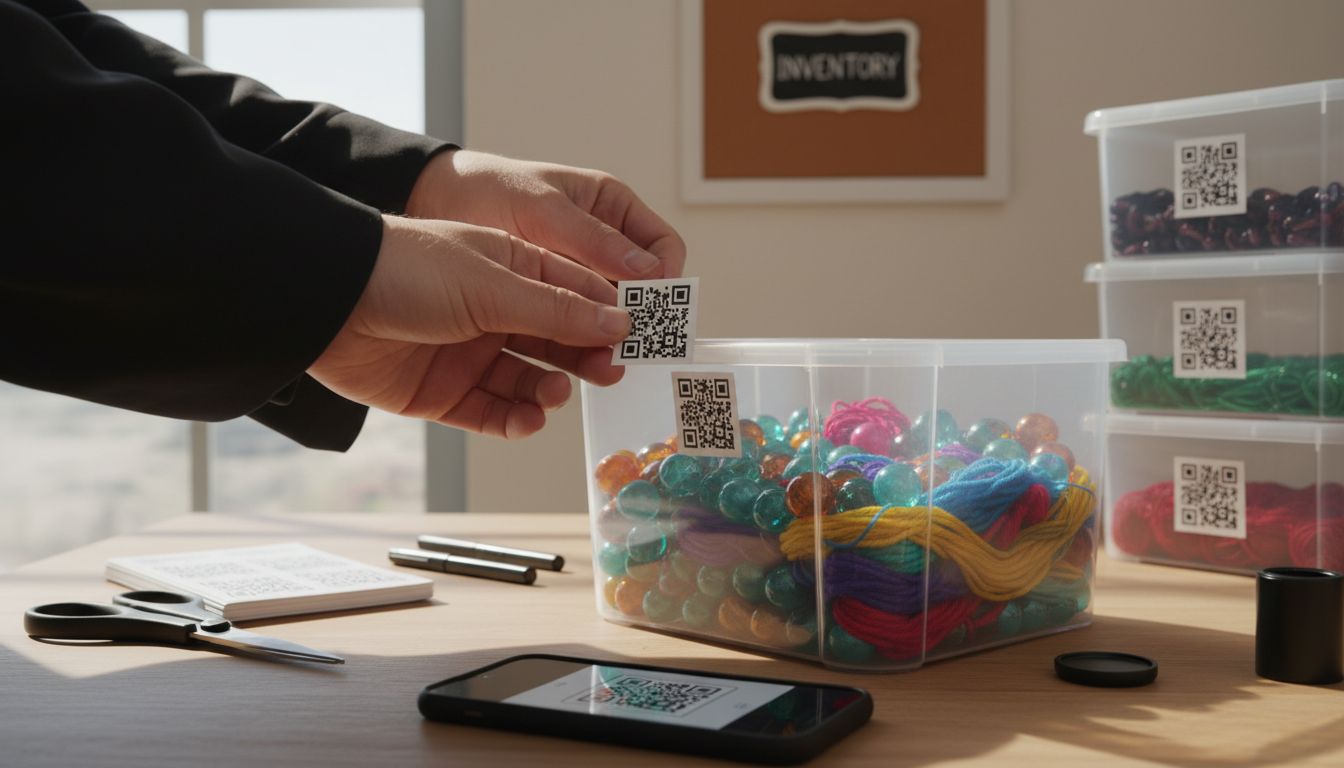
The Joan Mitchell Foundation recommends creating a systematic approach when applying QR code labels. Position each label consistently across similar containers to create a uniform organizational system. Press firmly when applying to eliminate air bubbles and ensure maximum contact between the label and surface. Pro tip: Consider taking a quick photo of each labeled container to double check placement and readability of your new tracking system.
Your storage containers are now intelligently labeled and ready for the next phase of your organizational journey.
Step 4: Link QR Codes to Item Information Online
With your physical labels in place, the next critical step is connecting your QR codes to comprehensive digital records. QR code information access allows you to transform simple stickers into powerful information portals for your creative inventory.
Ceramic Arts Network highlights the potential of digital integration for inventory management. Begin by selecting a digital platform where you can store detailed information about each labeled item. This might include cloud storage services spreadsheet applications or specialized inventory management systems. Carefully upload the digital documentation you created earlier photos descriptions measurements and any additional context for each item.
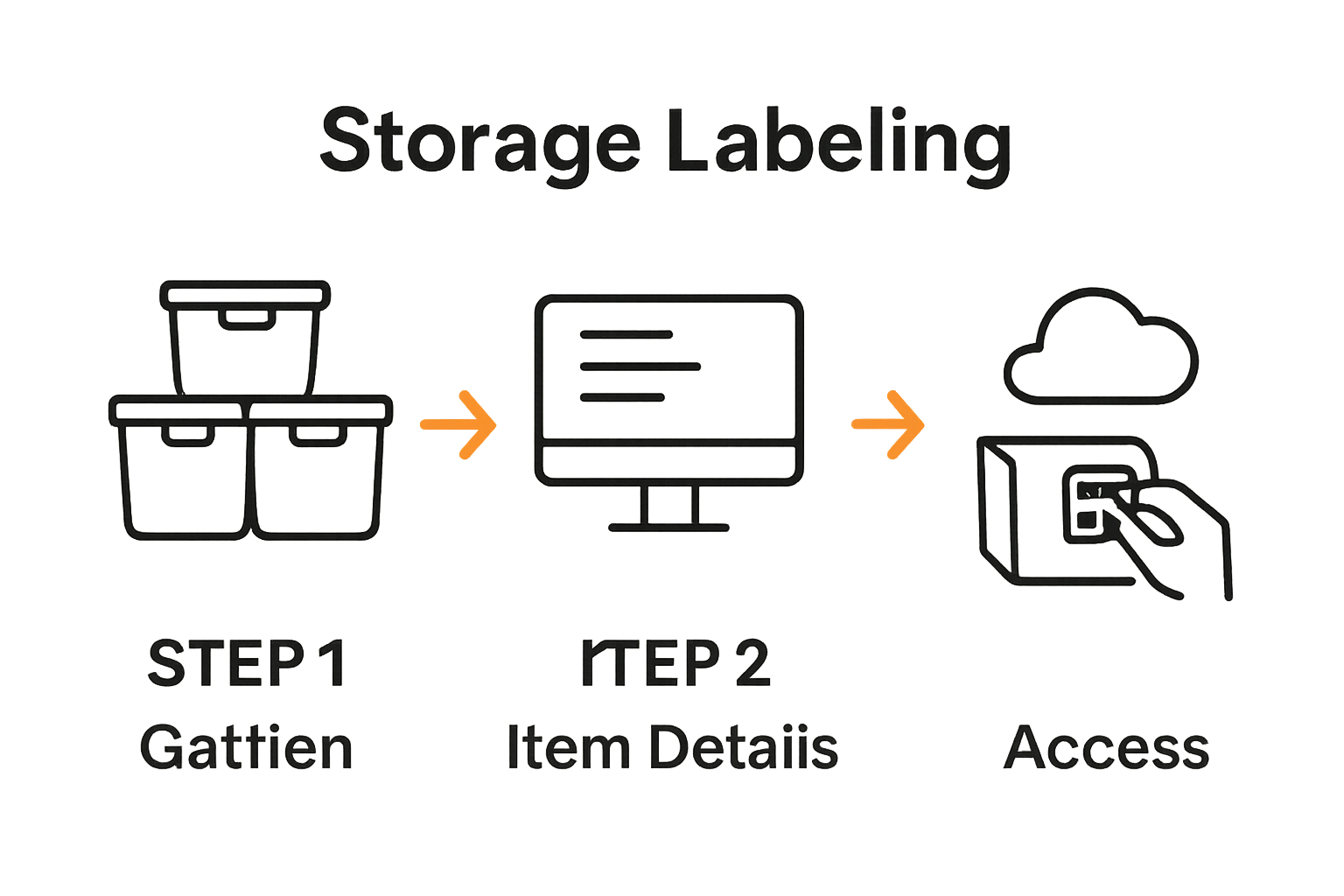
The Joan Mitchell Foundation recommends creating comprehensive digital records that provide instant access to item details. When linking your QR codes ensure each code connects directly to the specific digital record for that item. Double check that the link is accurate and the information is easily readable across different devices. Pro tip: Test each QR code by scanning it with multiple smartphones to verify consistent performance and readability.
Your creative inventory is now digitally connected and ready for seamless tracking and management.
Step 5: Test and Verify QR Label Functionality
With your digital inventory system carefully constructed, it is time to ensure every QR code performs exactly as intended. Scannable labels tutorial helps artists and crafters validate their tracking system with precision.
Ceramic Arts Network emphasizes systematic verification of tracking systems to maintain inventory integrity. Begin by scanning each QR code using multiple devices smartphones tablets and different scanning applications. Verify that each code instantly redirects to the correct digital record without any loading delays or incorrect information. Pay close attention to readability making sure the codes can be scanned from various angles and distances.
The Joan Mitchell Foundation recommends periodic testing of digital tracking mechanisms to guarantee system reliability. Create a systematic approach by documenting each code test noting any performance inconsistencies. Pro tip: Use different lighting conditions and scanning devices to confirm universal functionality. A comprehensive test ensures your creative inventory remains accessible and well organized.
Your QR label system is now rigorously verified and ready for seamless long term use.
Elevate Your Creative Storage with Smart QR Code Labels
Artists and crafters often face the challenge of keeping their diverse supplies organized and easily accessible. This article shows how thoughtful labeling and digital tracking can eliminate the frustration of lost or mismanaged materials. By applying precise QR code labels and linking them to detailed digital inventories, you gain instant access to vital information about each item. Our Creative – Smack Tags solutions are designed especially for this purpose offering durable, scannable labels that preserve your collection and streamline your workflow.
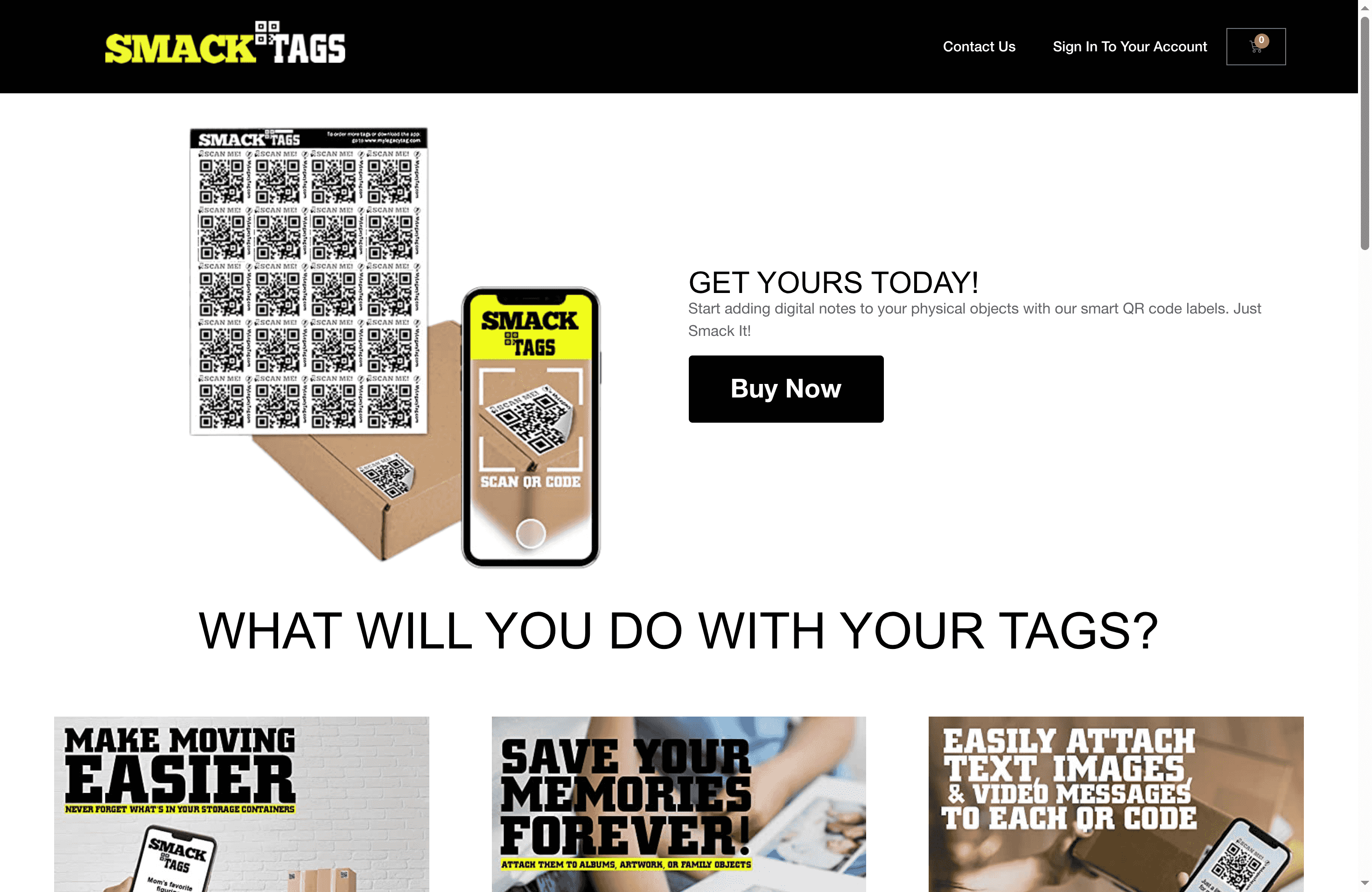
Transform your art studio or craft space today with Smack Tags smart QR code labels. These tear resistant and water resistant tags help you create a visual inventory of your supplies including photos notes and even videos. No apps needed just simple, easy scanning that works across devices. Start organizing with confidence and never lose track of your creative tools again. Visit Smack Tags now and see how our Creative category can provide the perfect labeling system for your unique needs.
Frequently Asked Questions
How do I start labeling my art and craft supplies?
To begin labeling your art and craft supplies, first gather all items that need organization. Sort them into categories and select appropriate QR labels that match the surfaces of your storage containers.
What information should I include in my digital inventory for each item?
When creating a digital inventory, include detailed descriptions, photographs from multiple angles, and relevant metadata like color, dimensions, and acquisition date for each item. Aim to document each item consistently to maintain an organized and efficient archive.
How do I properly apply QR code labels to my storage containers?
Apply QR code labels to clean, dry surfaces on your storage containers, ensuring they adhere well. Press firmly to eliminate air bubbles and check for visibility to make scanning easy later on.
What steps should I follow to link my QR codes to item information online?
To link your QR codes, choose a digital platform to store item details and upload your documentation for each item. Ensure that each QR code points to the correct digital record and test the links for readability on different devices.
How can I verify that my QR codes are working correctly?
Verify your QR codes by scanning them with multiple devices and scanning applications. Document each test to confirm they redirect to the appropriate digital records without delays or errors.
What should I do if a QR code isn’t scanning properly?
If a QR code isn’t scanning correctly, check for obstructions, ensure the label is clean and undamaged, and retest it under different lighting conditions. Reapply a new label if necessary to maintain clear access to your inventory information.