
How to Use Digital Labels for Smart Storage and Memories
Every American household collects objects that tell unique stories, yet nearly 60 percent struggle to keep those memories truly organized. Digital labels are changing the way people preserve both sentimental keepsakes and practical inventory. With just a smartphone and a set of QR code stickers, you can create a smart, searchable archive of everything from family photographs to personal collections, all while making it easy to track, access, and remember what matters most.
Table of Contents
- Step 1: Prepare And Gather Your Digital Labels
- Step 2: Activate And Register Each QR Code Sticker
- Step 3: Link Media, Docs, And Notes To Your Labels
- Step 4: Apply Labels To Items For Easy Identification
- Step 5: Test And Access Linked Information Instantly
Quick Summary
| Key Point | Explanation |
|---|---|
| 1. Gather necessary labeling items | Collect digital labels, a scanning device, and items you wish to document. This allows for effective organization and preservation of memories. |
| 2. Activate each QR code label | Scan and register each QR code to connect physical items with digital stories, enhancing memory preservation and information retrieval. |
| 3. Link various media to labels | Attach photos, videos, and documents to your labels for richer context and detail about each item, making them more meaningful and easier to retrieve. |
| 4. Apply labels consistently | Place labels on clean, smooth surfaces in a uniform manner, ensuring they are easy to scan and that they support an organized system. |
| 5. Test scans for accessibility | After placement, always verify that each QR code scans correctly, ensuring easy access to linked information when needed. |
Step 1: Prepare and Gather Your Digital Labels
Digital labels transform how we organize and preserve memories. In this step, you will collect all the necessary materials to start creating smart storage solutions that capture your items’ stories and keep track of important belongings with ease.
Begin by gathering a few key items you want to label and document. This might include family photographs, artwork, keepsake boxes, storage containers, or personal collections. You will need your digital labels and a smartphone or device capable of scanning QR codes. Having a systematic approach to storage labeling helps ensure you capture all the details you want to preserve.
Take a moment to think about the specific items and stories you want to document. Some people prefer to start with sentimental objects like wedding albums or children’s artwork, while others begin with practical storage solutions like garage or office inventory. The beauty of digital labels is their versatility they work equally well for personal memories and business organization.
Pro tip: Before you begin labeling, create a quick inventory list of items you want to document. This simple step will help you stay organized and ensure you capture all the important details you want to preserve.
Step 2: Activate and Register Each QR Code Sticker
In this critical step, you will transform your digital labels from simple stickers into powerful memory preservation tools. Activating and registering your QR code stickers enables you to connect physical objects with rich digital content that tells their unique stories.
Start by carefully removing each QR code sticker and examining its unique identifier. Your digital labels will come with specific activation instructions typically involving scanning the code with your smartphone camera. Follow the step by step QR code labeling process to ensure accurate registration. Open your smartphone and use its native camera app or a QR code reader to scan the sticker. Most modern smartphones will automatically recognize the code and prompt you to enter or link digital content.
As you activate each label, consider the specific stories or information you want to associate with your items. You might record a video explaining the history of a family heirloom, upload photographs documenting an artwork’s creation, or attach maintenance instructions for household equipment. The flexibility of digital labels means you can customize each tag to preserve exactly the information most meaningful to you.
Pro tip: Always test your QR code immediately after activation to confirm it links correctly and displays the intended content. A quick verification can save you frustration and ensure your memories are captured perfectly.
Step 3: Link Media, Docs, and Notes to Your Labels
This step transforms your digital labels into powerful storytelling and organizational tools. You will learn how to attach meaningful digital content that brings context and depth to your physical items.
Begin by selecting the type of media or documents you want to connect with each label. Smart storage labeling techniques recommend organizing your digital attachments systematically. For family heirlooms, you might upload scanned photographs or video interviews describing the item’s history. For artwork, consider adding creation date, inspiration notes, or documentation of the artistic process. Business items can include purchase receipts, maintenance records, or warranty information.
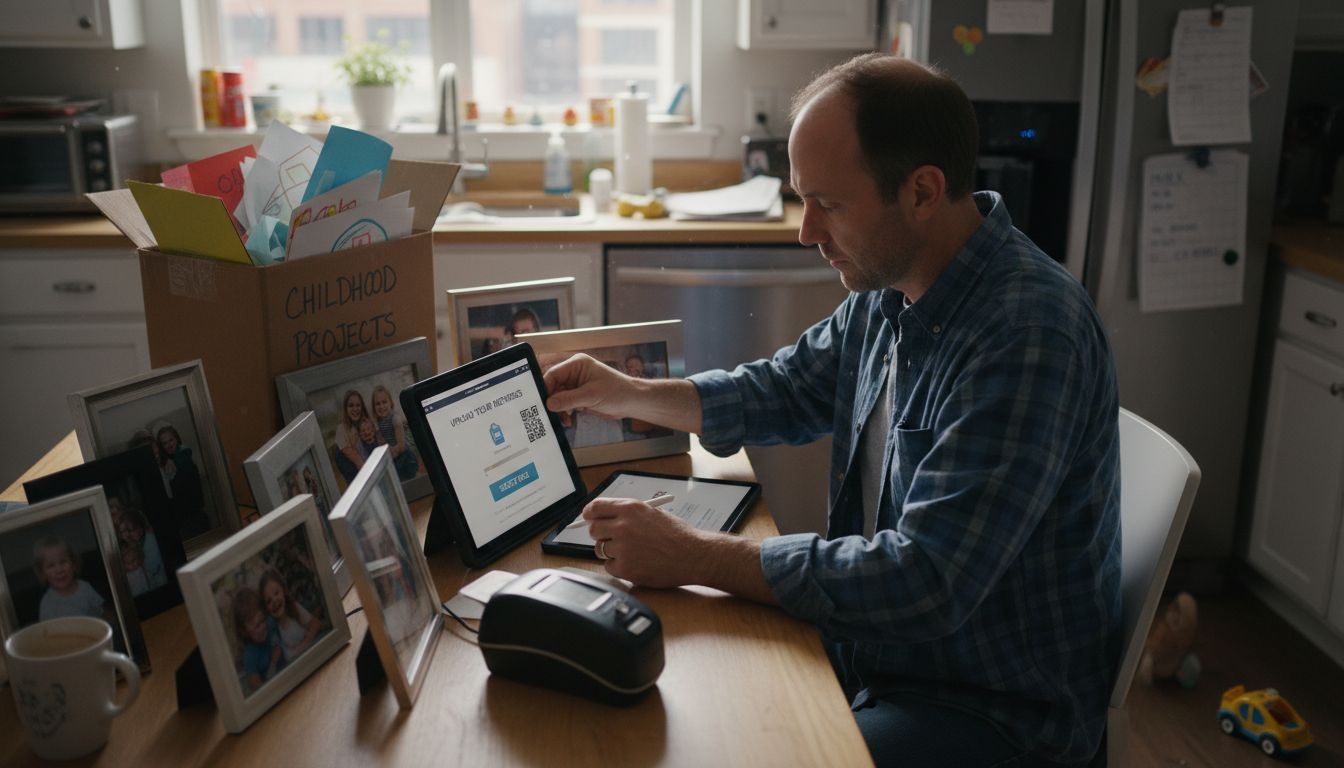
The process is straightforward. Most digital label systems allow you to upload various file types directly through your smartphone or computer. Tap the specific QR code label in your application, select the media upload option, and choose files from your device. You can typically add multiple types of content to a single label including images, video clips, text descriptions, and document scans. This flexibility means you can create rich, multidimensional records for each tagged item.
Pro tip: Create a consistent naming and organization strategy for your digital attachments to make future retrieval easier. Use clear file names and consider creating folder structures that match your physical storage systems.
Here’s a quick overview of types of information you can link to your digital labels and their benefits:
| Attachment Type | Example Use Case | Key Benefit |
|---|---|---|
| Photos & Videos | Document artwork creation | Captures memories visually |
| Audio Notes | Record family stories | Adds personal, spoken context |
| Documents & Receipts | Link warranties or purchase info | Easy access to vital records |
| Text Descriptions | Describe item origin or meaning | Provides clear context |
Step 4: Apply Labels to Items for Easy Identification
In this crucial step, you will learn how to strategically place digital labels on your items to create a comprehensive and intuitive organizational system. By applying these smart QR code stickers, you will transform ordinary objects into storytelling platforms that preserve memories and information.
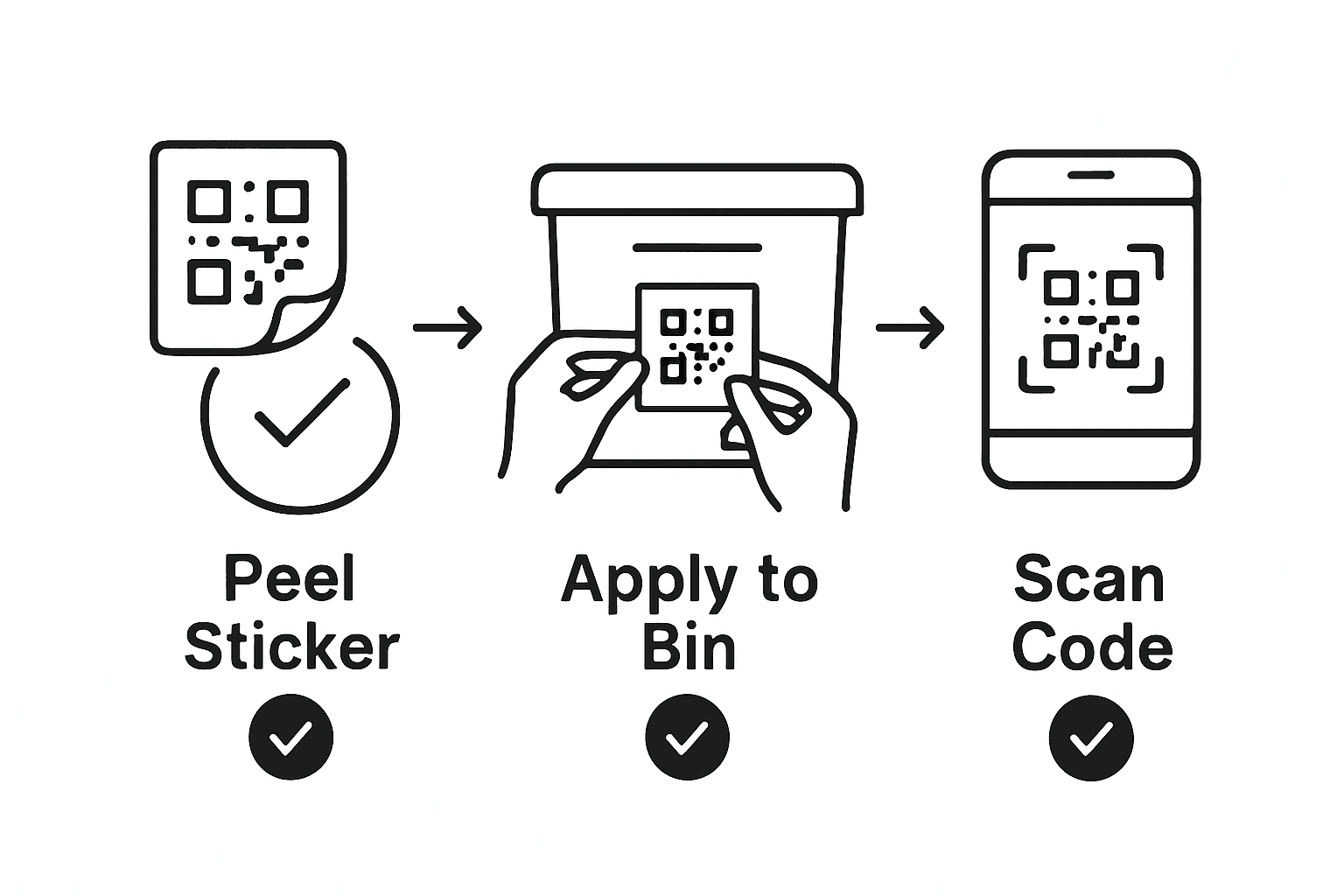
Proper equipment labeling techniques recommend selecting clean and smooth surfaces for maximum label adhesion and scanning efficiency. Start by thoroughly cleaning the item surface to remove dust, oils, or debris that might prevent the label from sticking properly. Choose areas that are easily visible but not prone to frequent direct handling or extreme wear. For delicate items like artwork or family heirlooms, consider placement on the back or bottom surface to maintain aesthetic integrity.
Apply the label carefully, ensuring it is straight and smoothly adhered without air bubbles. Press firmly from the center outward to eliminate any potential gaps or wrinkles. When labeling multiple items in a collection or storage system, maintain consistent placement to create a uniform and professional appearance. Different item types might require slightly different approaches some objects work best with labels near identifying marks, while others might need labels in less conspicuous locations.
Pro tip: Always test the label placement by scanning the QR code immediately after application to confirm it reads correctly and provides the intended information.
Step 5: Test and Access Linked Information Instantly
In this final step, you will discover how to quickly and effortlessly retrieve the digital stories and information attached to your labeled items. Instant access to memories and details is now at your fingertips.
Smart QR code labels offer seamless scanning and information retrieval that transform how you interact with your personal and professional items. Open your smartphone camera or a dedicated QR code reader app and hover over the label. Most modern devices will automatically recognize the code and prompt you to access the linked content. Within seconds, you can view photographs, read detailed descriptions, watch video stories, or review important documents associated with the specific item.
The scanning process works across different types of items and contexts. Whether you are tracking family heirlooms, managing office equipment, organizing art supplies, or creating a comprehensive home inventory, these digital labels provide instant context and information. Each scan reveals the unique narrative or practical details you have carefully curated, making item identification and memory preservation incredibly simple and intuitive.
Pro tip: Keep your smartphone fully charged and have a QR code reader app pre installed on your device to ensure you can always access your stored information quickly and effortlessly.
Compare how digital labels differ from traditional labeling methods:
| Feature | Digital Labels (QR Codes) | Traditional Labels |
|---|---|---|
| Information Capacity | Unlimited digital content | Limited to printed text |
| Update Capability | Easily revised anytime | Requires physical relabeling |
| Access Method | Instantly via smartphone scan | Manual reading only |
| Enhanced Organization | Attach media, docs, notes | No digital integration |
Bring Your Memories and Storage to Life with Smart Digital Labels
Struggling to organize your treasured items and keep their stories alive can feel overwhelming. This article showed how digital labels powered by QR code stickers solve that by letting you attach videos, photos, notes, and documents directly to your belongings. Whether you want to catalog family heirlooms, document artwork, or track office equipment, Creative solutions like Smack Tags provide durable, easy-to-use labels designed to preserve those meaningful details with just a smartphone scan.
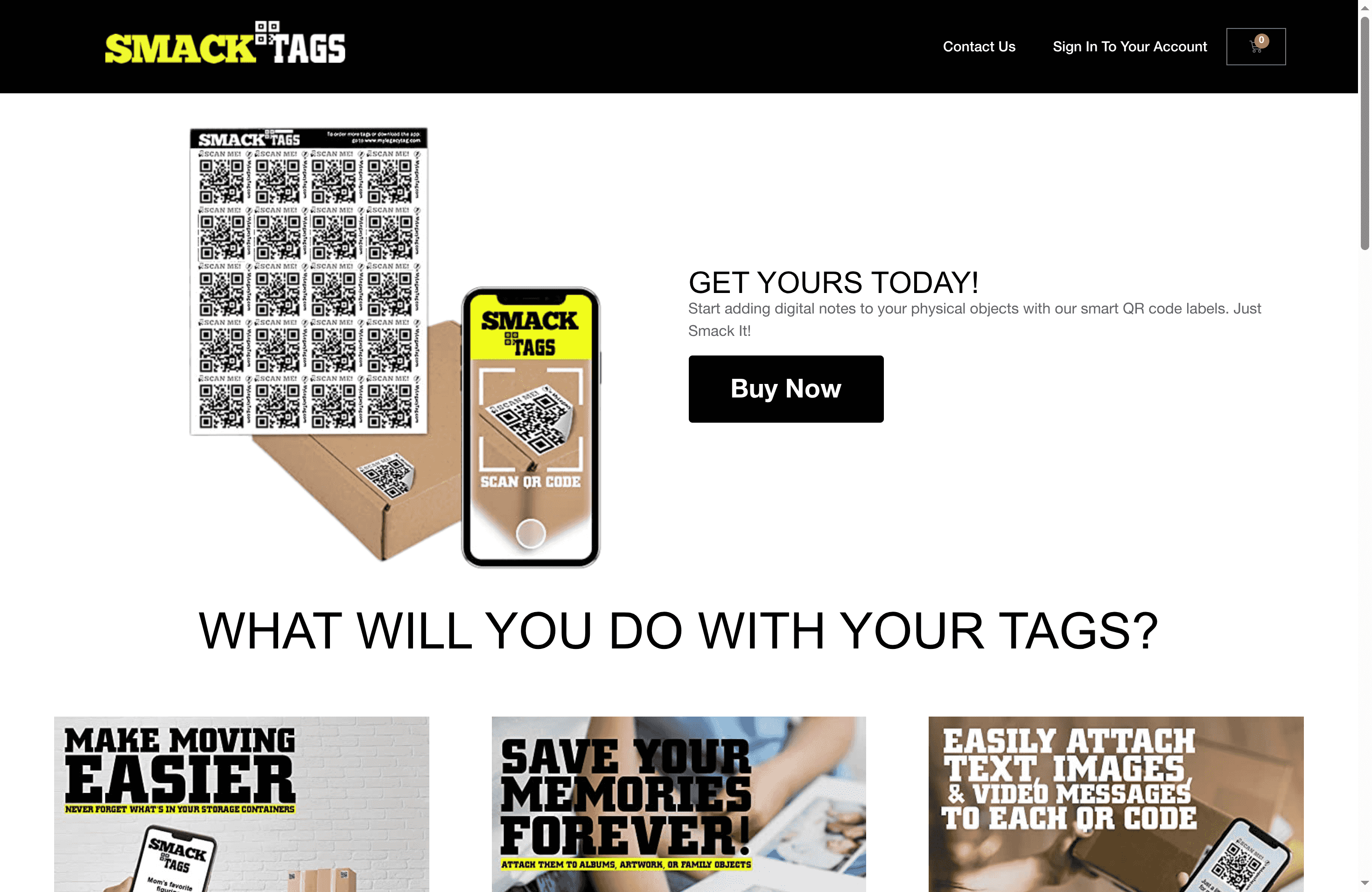
Take full control of your home or business organization today by choosing Smack Tags for smart storage labeling. Our fade, tear, and water resistant labels come with an intuitive digital system that requires no app to get started. Visit our main site now to explore how simple it is to activate, link, and access your digital stories using these reliable QR code labels. Don’t wait to create a richer, more connected way to track and remember what matters most.
Frequently Asked Questions
How do I gather items for my digital labeling project?
To start your digital labeling project, begin by collecting items you want to document, such as family photos, artwork, or keepsake boxes. Create a quick inventory list of items before proceeding to ensure you don’t miss any important details.
What steps do I take to activate my QR code labels?
To activate your QR code labels, scan each code with your smartphone camera according to the provided instructions, which usually involves linking digital content. After activation, immediately test the code to confirm it links correctly to your desired information.
How can I enhance my digital labels with media and documents?
You can enhance your digital labels by linking various types of digital content, such as photos, videos, or documents, to each label. Upload the files through your smartphone or computer, and immediately ensure they are correctly connected to provide rich context for each item.
Where is the best place to apply digital labels on my items?
Apply your digital labels to clean and smooth surfaces that are easily visible yet less prone to wear and tear. For delicate items, consider placing labels on the back to maintain their appearance while still keeping information accessible.
How do I quickly access the information linked to my digital labels?
Access the information linked to your digital labels by using your smartphone camera to scan the QR codes. Within seconds, you can view all associated content, making it easy to retrieve important memories or details about your items.
What advantages do digital labels have over traditional labeling methods?
Digital labels offer the ability to link unlimited digital content and easily update information without needing to relabel physically. This flexibility allows for enhanced organization and instant access through QR code scanning, simplifying the management of personal and professional items.
Recommended
- Step-by-Step Guide to Smart Storage Labeling Success – Smack Tags
- Best Methods for Storage Labeling: Step-by-Step Guide – Smack Tags
- How to Use QR Labels for Smart Organization and Storage – Smack Tags
- What Are Smart Labels? Complete Guide to Uses – Smack Tags
- 7 Thoughtful Grandparent Gift Ideas to Cherish Memories – FunLifeNow
- How to Store Confidential Waste Safely in 2025 – Venture Waste